
Free Shopify Image Optimizer (WebP) – Compress JPG & PNG Online
High-quality images make your Shopify store look professional. However, large image files can slow down your website. using Shopify image optimizer As a result, visitors may leave before your page loads.
Therefore, image optimization is essential. In addition, faster websites rank better on Google and improve conversions.
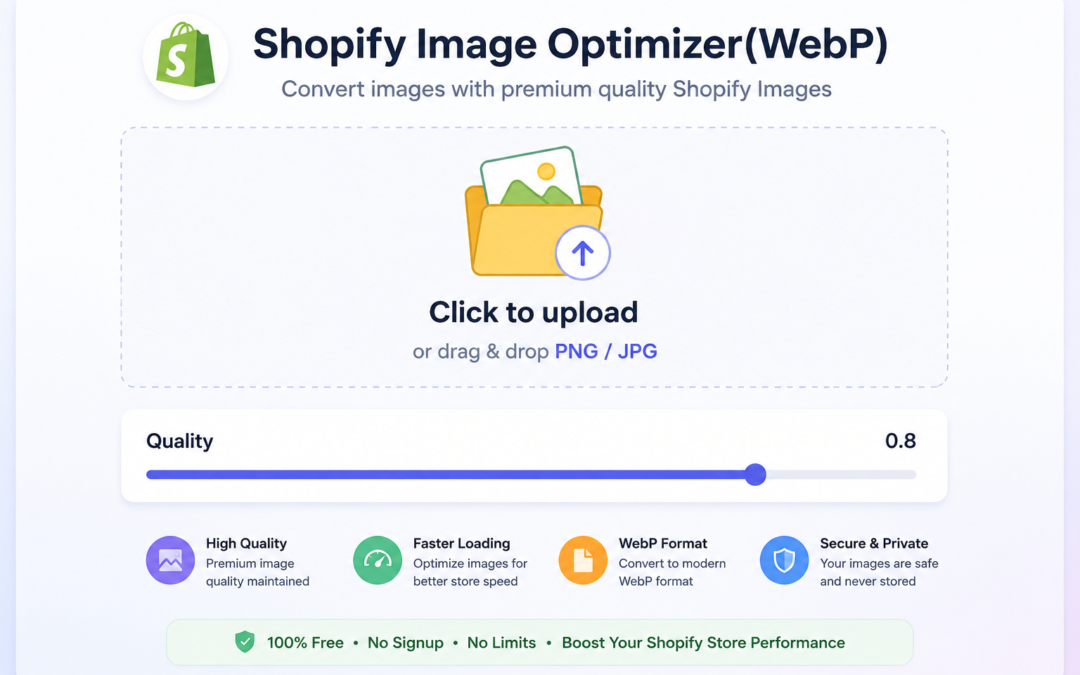
Our Shopify Image Optimizer (WebP) tool helps you reduce image size quickly. Moreover, it keeps image quality intact while improving store speed
👉 Shopify image optimizer tool
Why Image Optimization Is Important for Shopify Stores
Images usually make up 50–80% of a Shopify store’s total page size. When images are not optimized:
- Page load time increases
- Google PageSpeed score decreases
- Mobile performance suffers
- SEO rankings drop
- Conversion rate decreases
Google considers website speed a ranking factor. That means if your store loads slowly, competitors with faster websites may outrank you.
Optimizing images is one of the easiest and fastest ways to improve Shopify performance.
What Is WebP and Why Should Shopify Stores Use It?
WebP is a modern image format developed by Google. It provides:
- Smaller file size than JPG and PNG
- High-quality compression
- Better performance
- Faster loading times
Compared to traditional formats:
| Format | File Size | Quality | Speed |
|---|---|---|---|
| JPG | Medium | Good | Medium |
| PNG | Large | Very High | Slow |
| WebP | Small | High | Fast |
Using WebP images can reduce file sizes by 25–50% compared to JPG or PNG.
Benefits of Using Shopify image optimizer
Our tool is designed specifically for Shopify store owners.
1. Reduce Image Size Instantly
Compress large images into lightweight WebP format in seconds.
2. Improve Shopify Store Speed
Smaller images mean faster loading times and better user experience.
3. Increase Google PageSpeed Score
Optimized images improve Core Web Vitals and SEO performance.
4. No Quality Loss
Advanced compression keeps your images sharp and professional.
5. Free & Easy to Use
No signup required. Just upload and download.
How to Use the Shopify Image Optimizer Tool
Using the tool is very simple:
Step 1: Upload Your Image
Select JPG or PNG image from your computer.
Step 2: Convert to WebP
Click the convert button to optimize your image.
Step 3: Download Optimized Image
Download the compressed WebP image and upload it to your Shopify store.
That’s it. No technical knowledge required.
How Image Optimization Improves SEO
When you optimize images:
- Pages load faster
- Bounce rate decreases
- Users stay longer
- Google ranks your store higher
Faster websites also increase trust and improve shopping experience.
Better performance = better SEO + better conversions.
Shopify Image Optimization Best Practices
Even with a WebP tool, you should follow these best practices:
- Resize images before uploading
- Use descriptive alt text
- Avoid uploading extremely large images
- Enable lazy loading
- Test speed using Google PageSpeed Insights
Combining these with WebP conversion gives maximum performance boost.
You can analyze your website speed using Google PageSpeed Insights to check loading performance and Core Web Vitals.
Who Should Use This Shopify Image Optimizer?
This tool is perfect for:
- Shopify beginners
- Dropshipping stores
- Fashion & apparel stores
- High-image product stores
- SEO-focused Shopify sellers
If your store has many product images, this tool is essential.
Try the Free Shopify Image Optimizer Now
If you want:
- Faster store speed
- Better SEO rankings
- Improved user experience
- Higher conversion rates
Start optimizing your images today using our Shopify Image Optimizer (WebP) tool.
👉 Convert your images now and boost your Shopify performance.
Frequently Asked Questions
Is this Shopify Image Optimizer free?
Yes. Our Shopify Image Optimizer is completely free to use. You can convert JPG and PNG images into the modern WebP format without creating an account. This makes image optimization quick and accessible for every Shopify store owner.
Does converting images to WebP reduce quality?
No. Our tool uses advanced compression techniques to maintain excellent image quality while significantly reducing file size. Most users will not notice any visible difference after optimization.
Can I optimize product images for SEO?
Absolutely. Optimized images improve page speed, which is an important Google ranking factor. Faster-loading product pages provide a better shopping experience and can help improve your Shopify SEO performance.
Which image formats are supported?
The tool supports JPG and PNG images and converts them into the efficient WebP format for faster website performance.
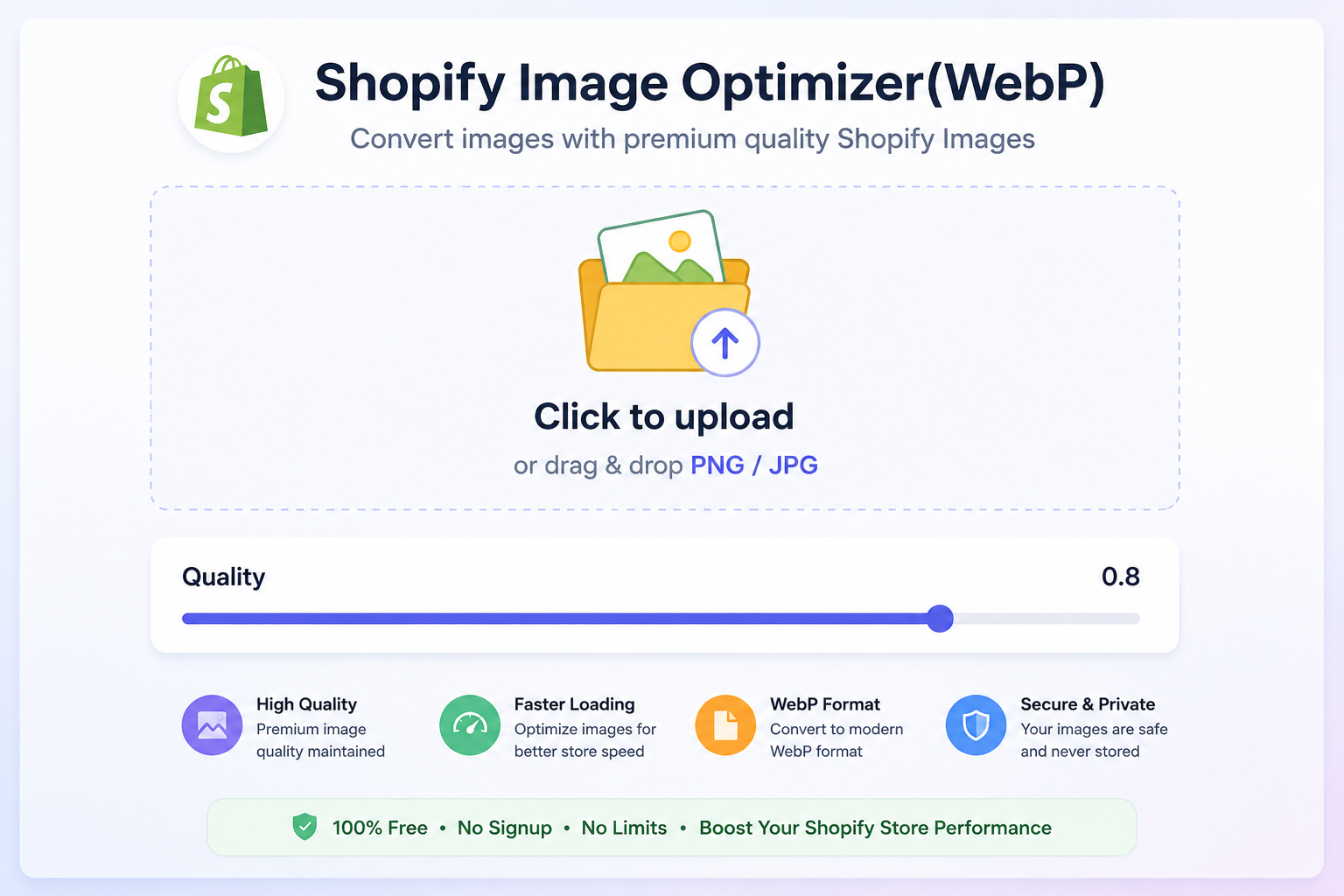
🚀 Speed Up Your Shopify Store
Reduce JPG & PNG image size instantly without losing quality. Improve PageSpeed, Core Web Vitals, and SEO with our free Shopify Image Optimizer.